
Getting Started
Setup Istio
Now that we have a Kubernetes cluster and Meshery, we are ready to download and deploy Istio resources.
Steps
Optional (manual install of Istio):
Install Istio
Using Meshery, select Istio from the Management menu.
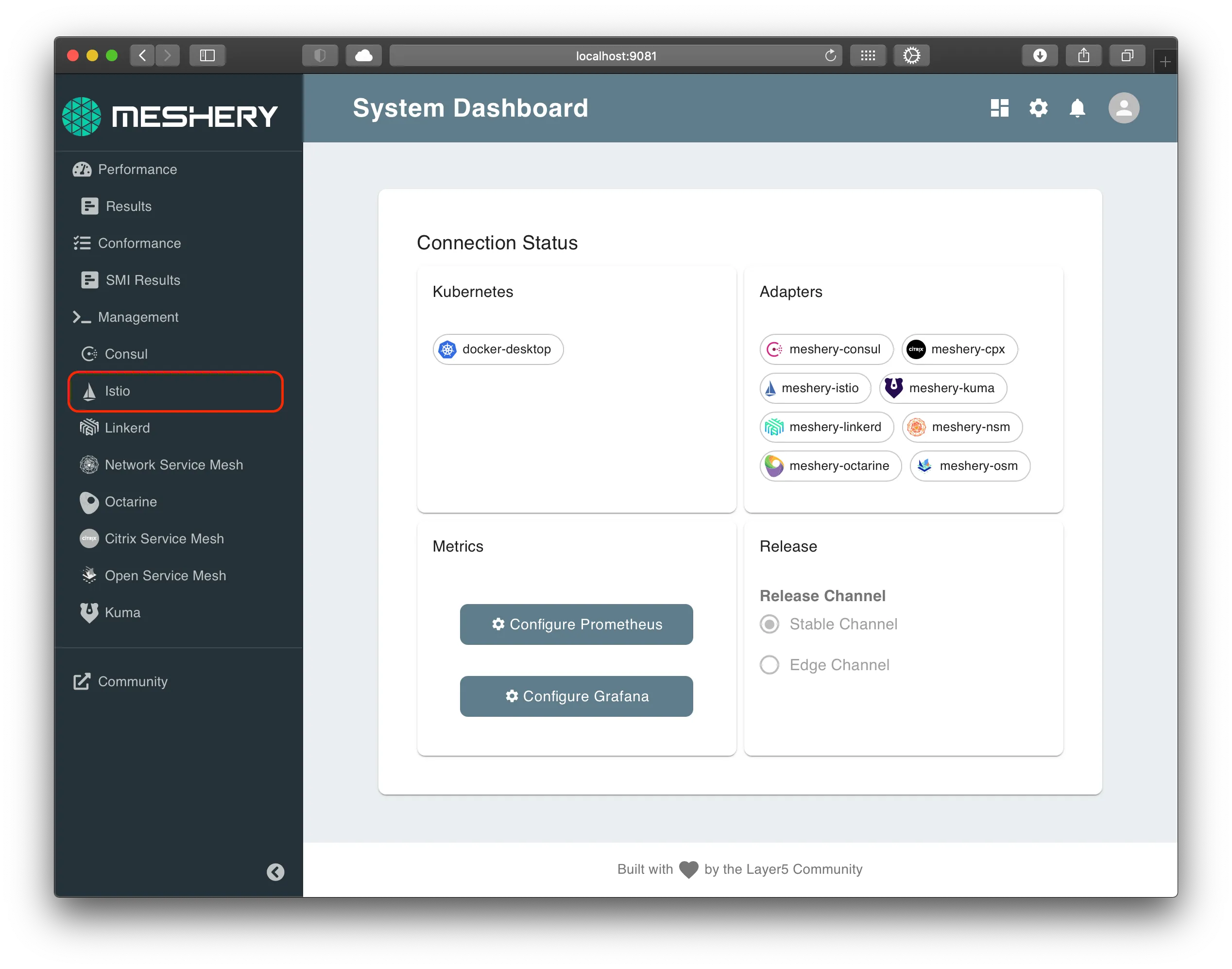
In the Istio management page:
-
Type
istio-systeminto the namespace field. -
Click the (+) icon on the
Installcard and selectLatest Istioto install the latest version of Istio.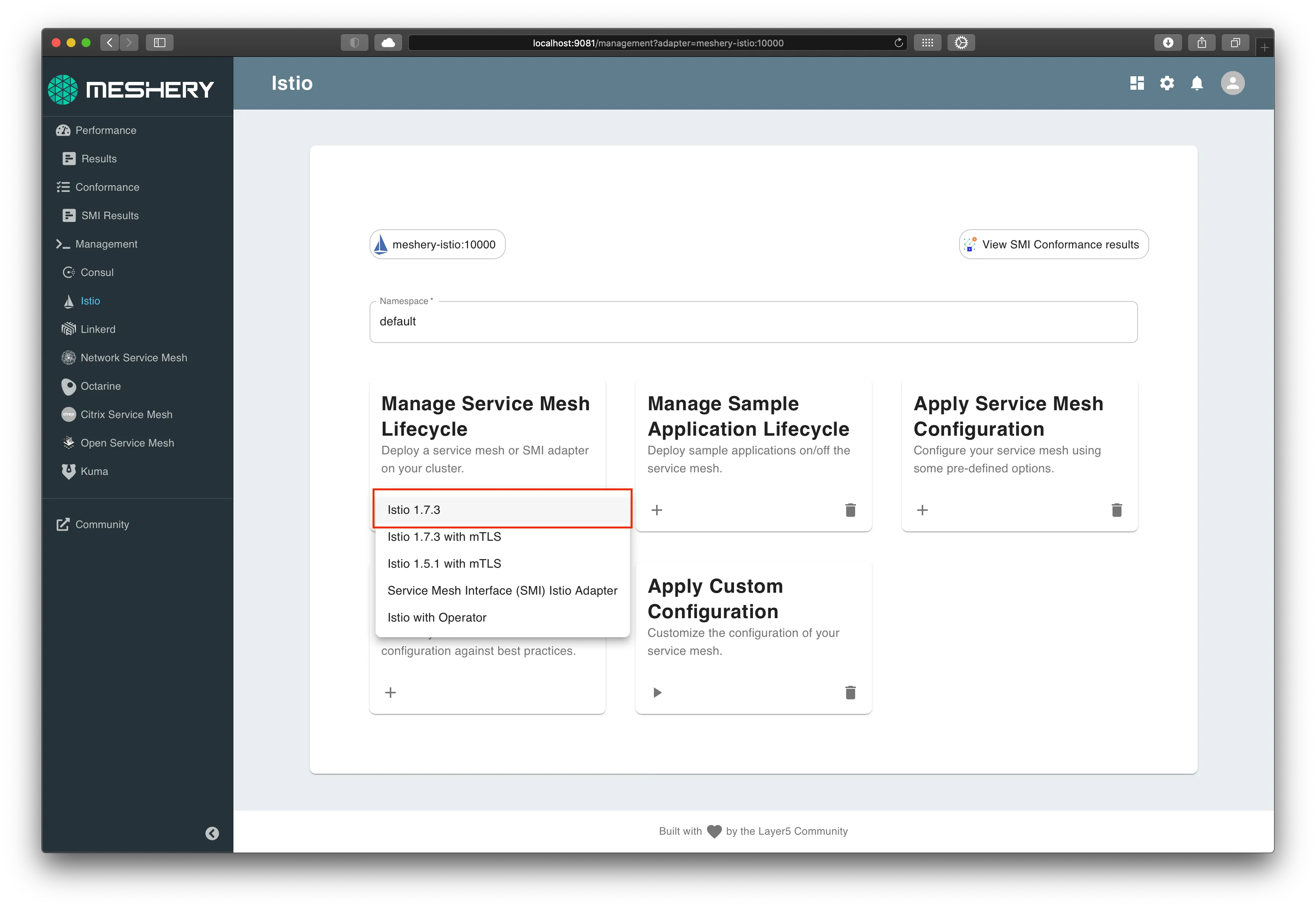
Alternative:Manual installation
Perform the below steps if the above steps doesn't work for you.Download Istio
You will download and deploy the latest Istio resources on your Kubernetes cluster.
Note to Docker Desktop users: Please ensure your Docker VM has at least 4GiB of Memory, which is required for all services to run.
On your local machine, execute:
Setting up istioctl
On a *nix system, you can setup istioctl by doing the following:
Alternatively, change into the Istio package directory and add the istioctl client to your PATH environment variable.
Verify istioctl is available:
Check if the cluster is ready for installation:
Install Istio
To install Istio with a demo profile, execute the below command.
Alternatively, with Envoy logging enabled:
Verify install
In the Istio management page:
- Click the (+) icon on the
Validate Service Mesh Configurationcard. - Select
Verify Installationto verify the installation of Istio.
Alternatively:
Istio is deployed in a separate Kubernetes namespace istio-system. To check if Istio is deployed, and also, to see all the pieces that are deployed, execute the following:


